Students Details Modal
Tapping on the Student's first or last name anywhere on the platform where they appear clickable, will open the Student's details with different tabs.
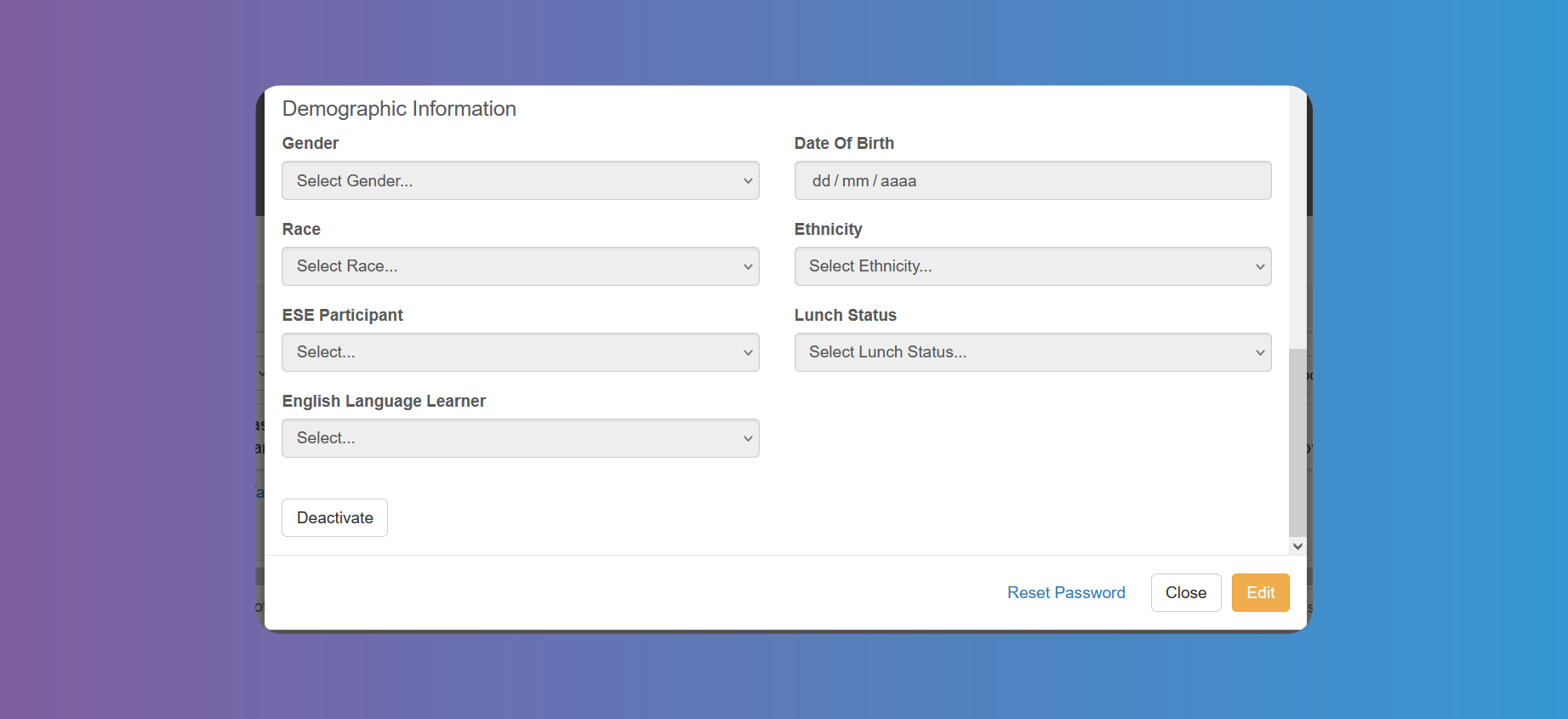
In the first tab you can view and Edit the Student's details, according to the fields you have chosen on System Configuration.
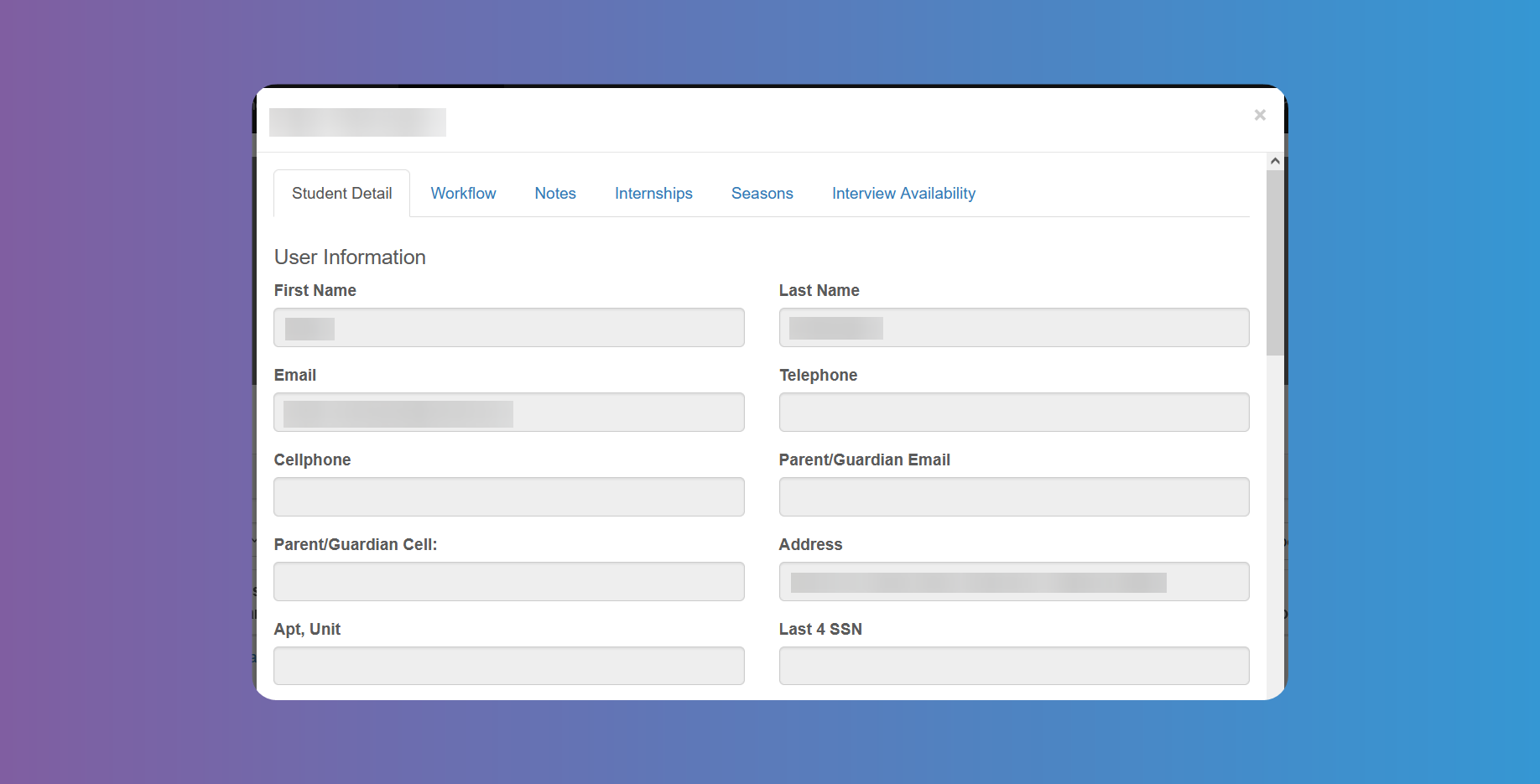
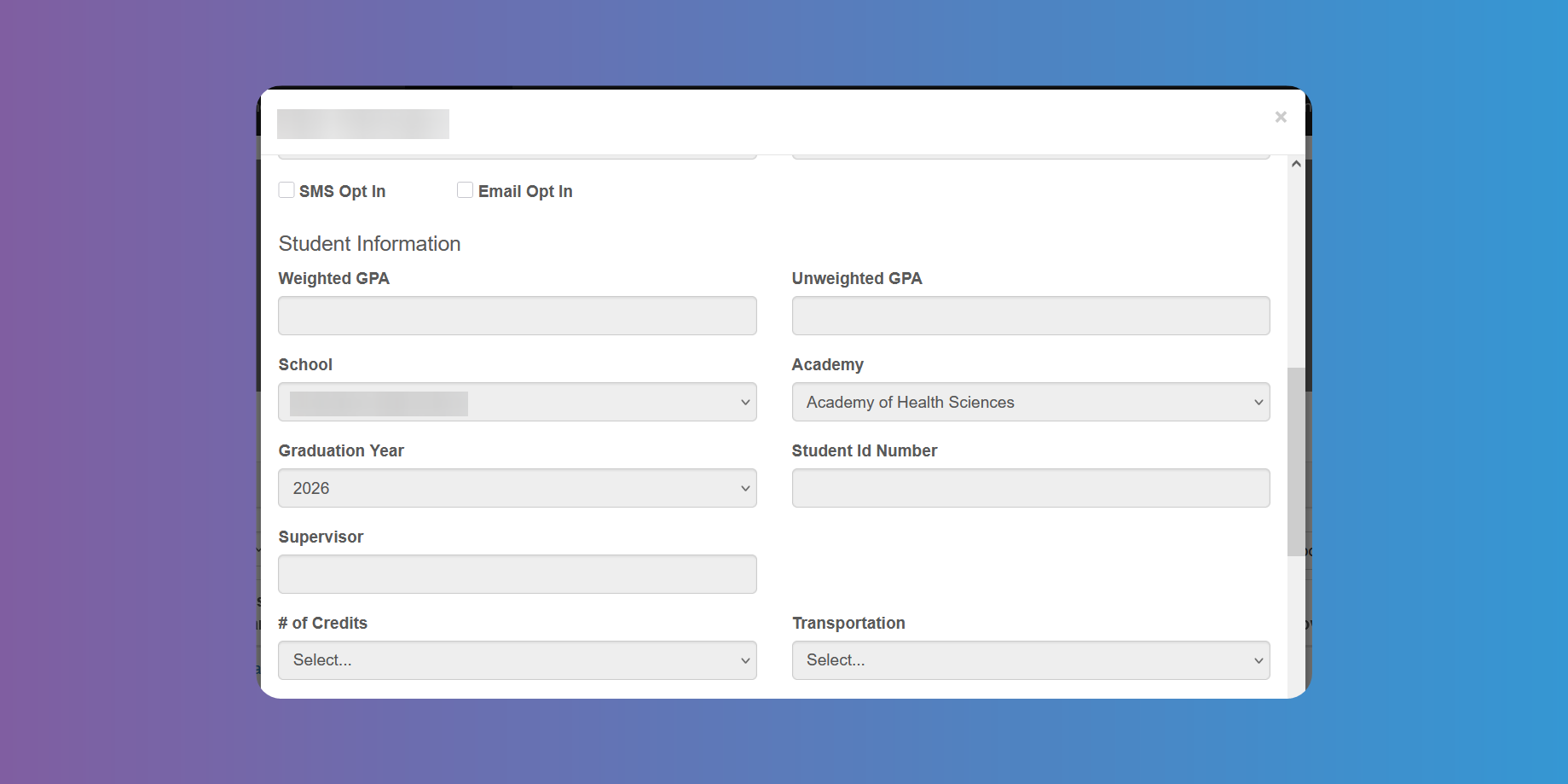
If you have chosen a school supervisor to approve Timesheets from the Timesheet Settings, whether alone or with a workplace supervisor, be sure to edit these details and enter the supervisor in the respective field (see photo 2).
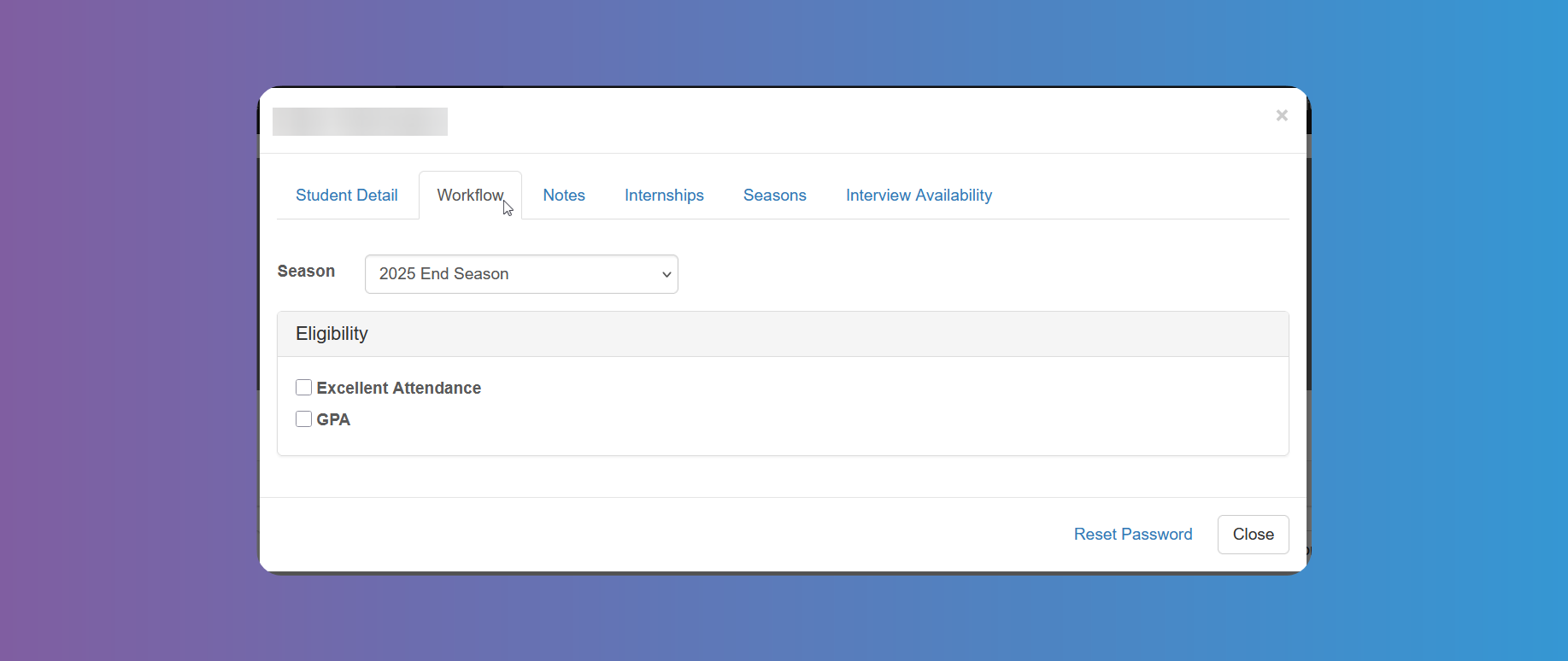
The Workflow tab will help you tick the previously filled criteria to approve a Student (See System Configuration-Workflow)
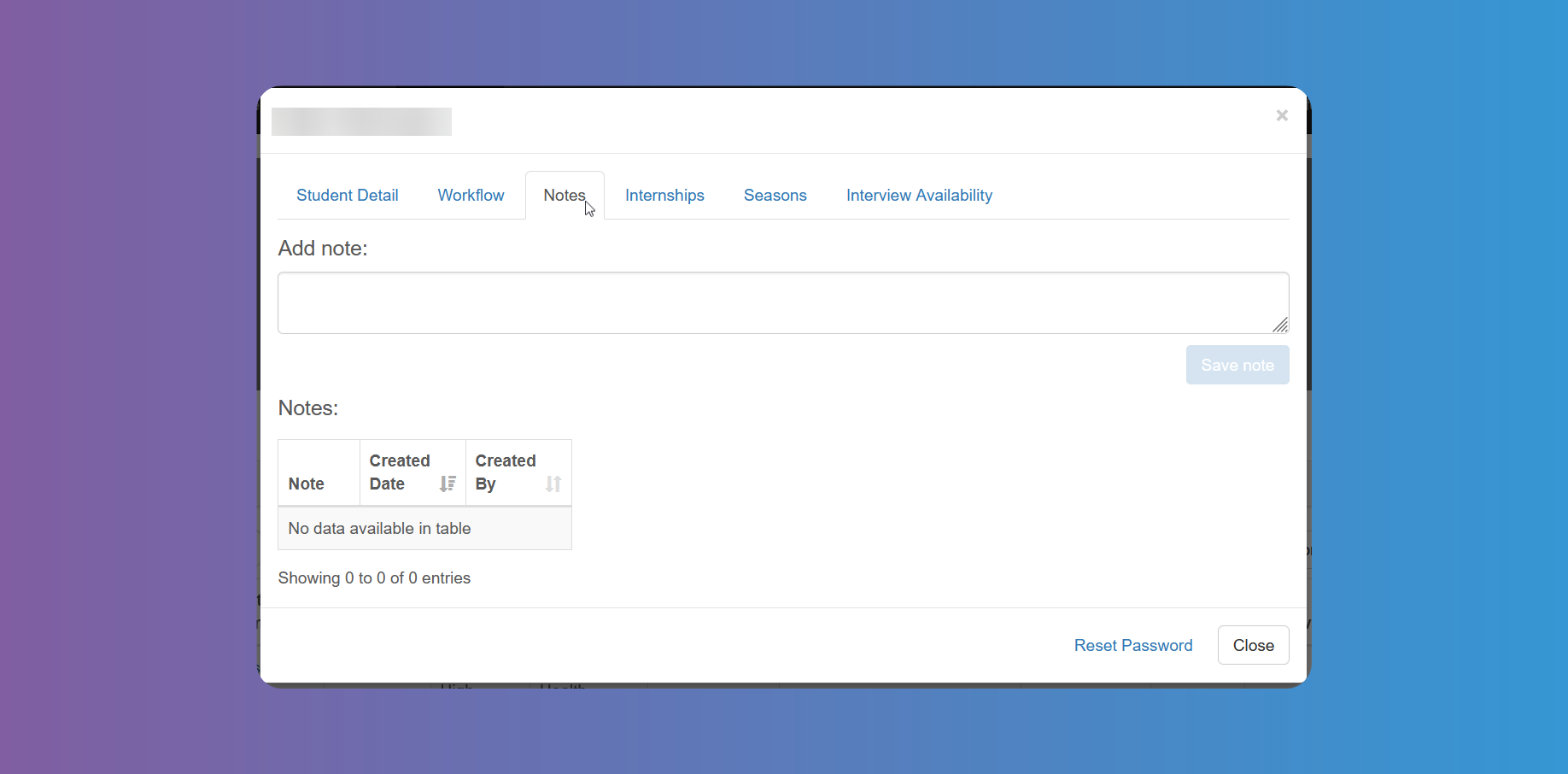
There is a Notes tab to allow you to freely enter any text you may need. The system keeps track of the dates and persons entering those notes.
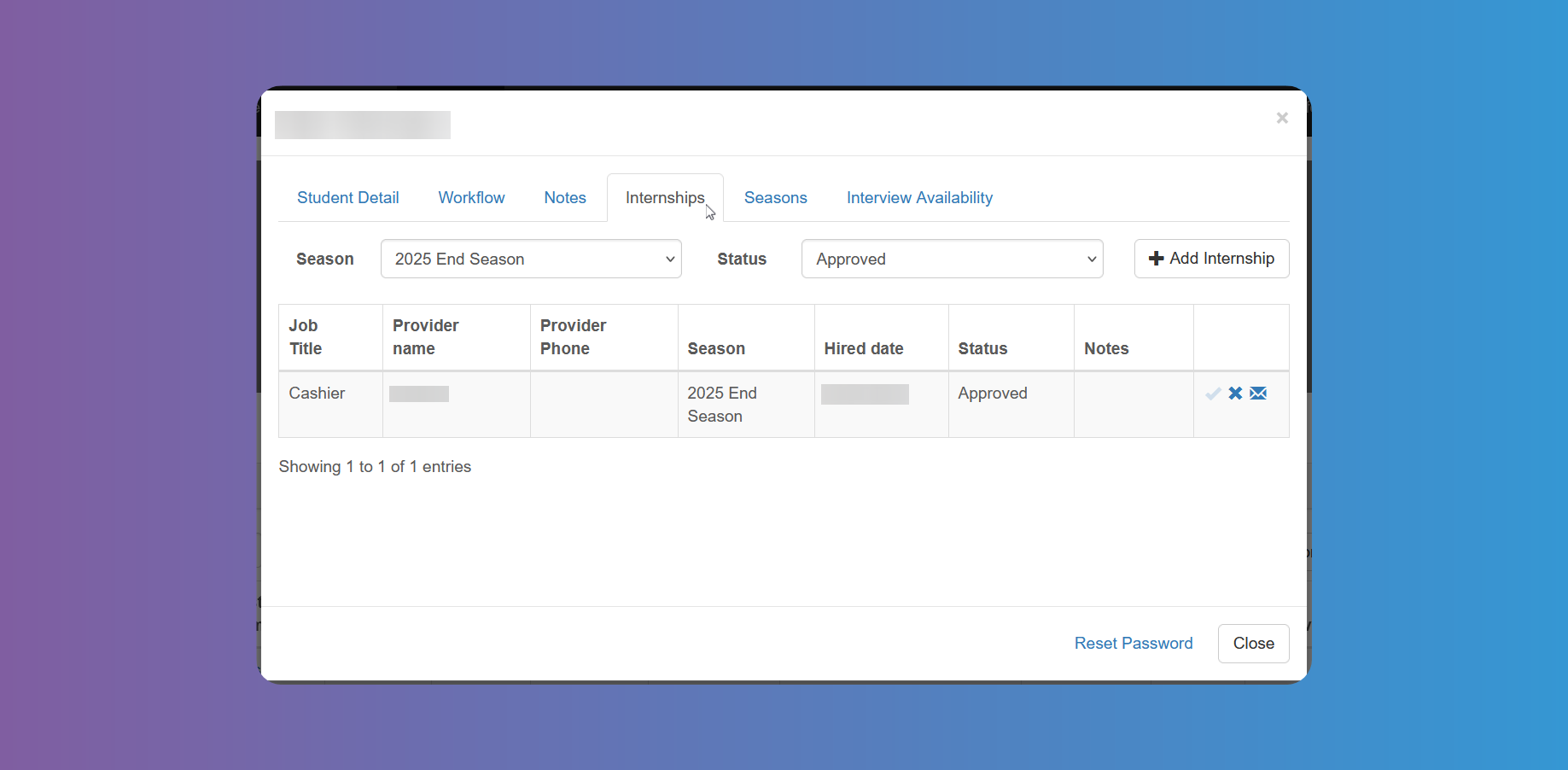
You can see a list of Internships in the Internships tab, and approve or decline if necessary. Account Admins can also add an Internship themselves and notify the Student and Internship Provider.
You can toggle between Seasons and choose to filter by different statuses.
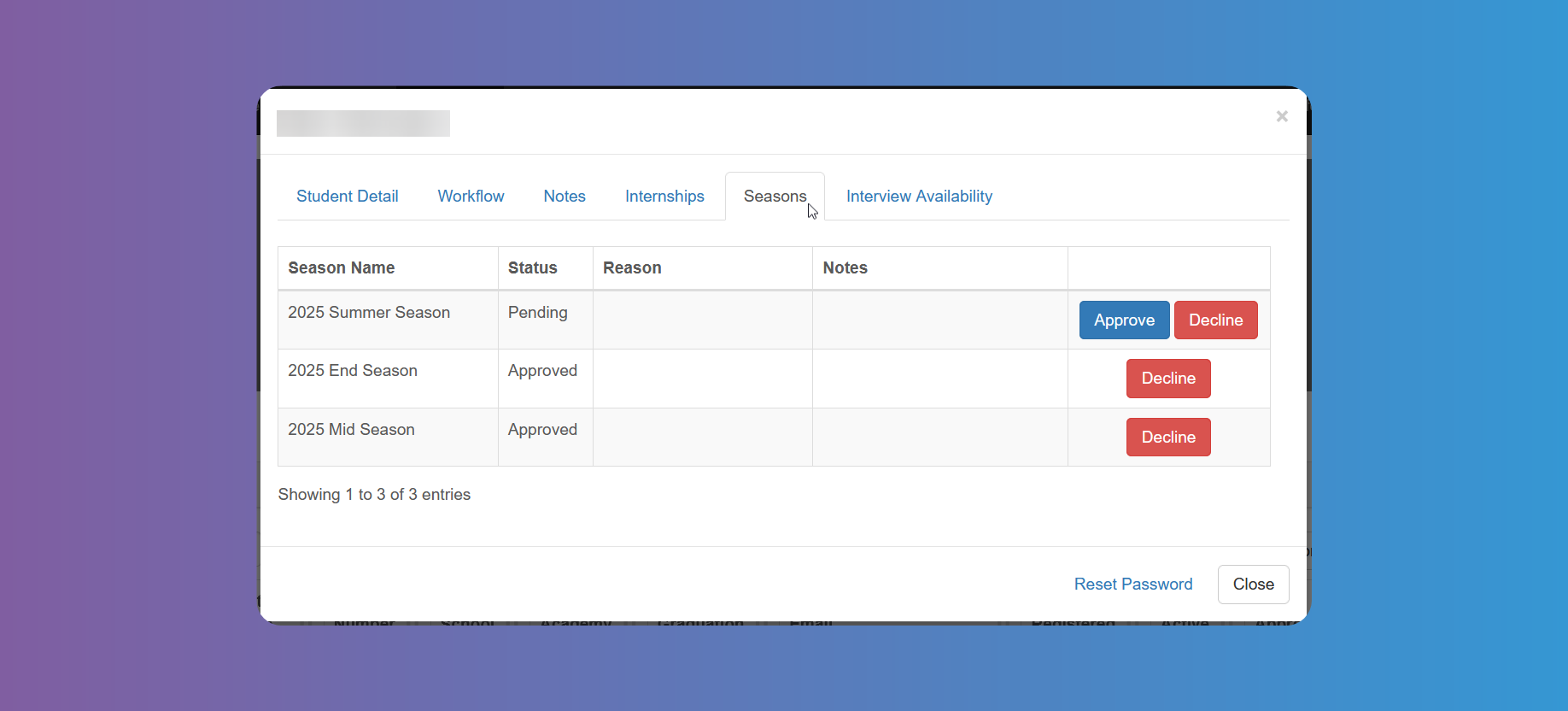
On the Seasons tab, you can see the Student's status for active Seasons, and approve or decline the Student.
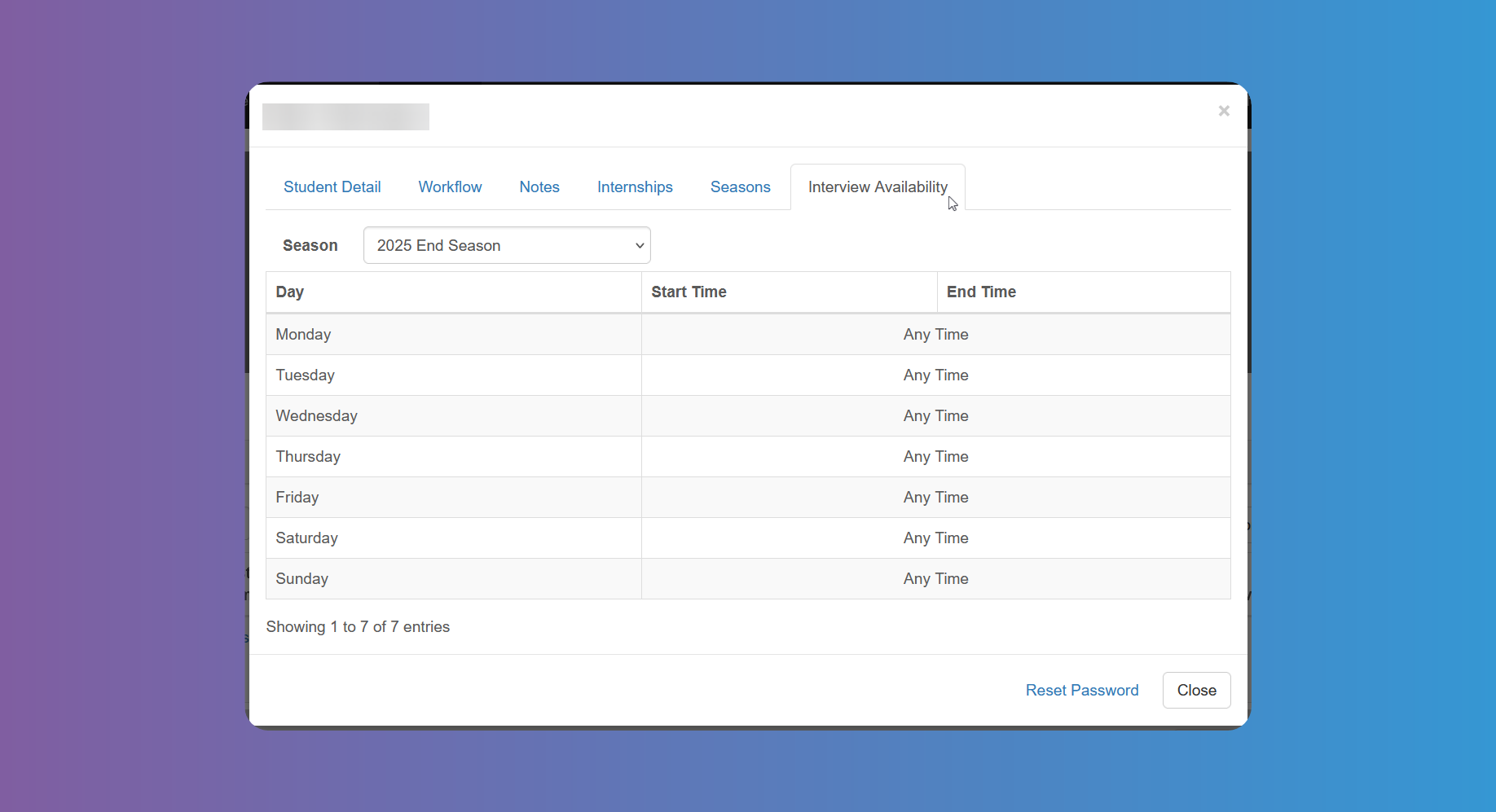
You can see the Student's Interview Availability for the active Seasons on the last tab.
At the bottom of the window you have the button to Reset Password, if needed.