Internship Providers Details Modal
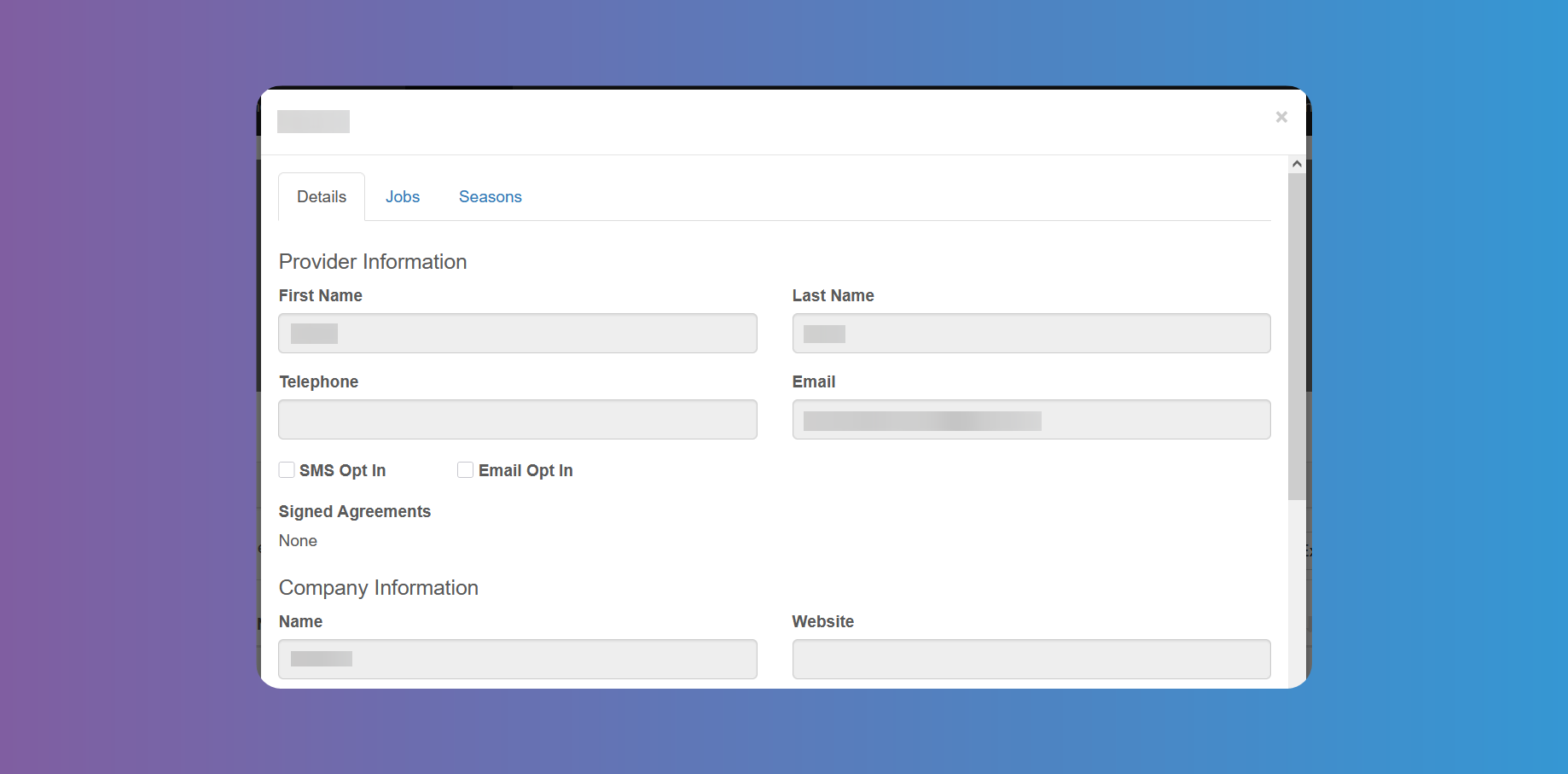
Tapping on the Internship Provider's name anywhere on the platform where they appear clickable, will open the Internship Provider's details with different tabs.
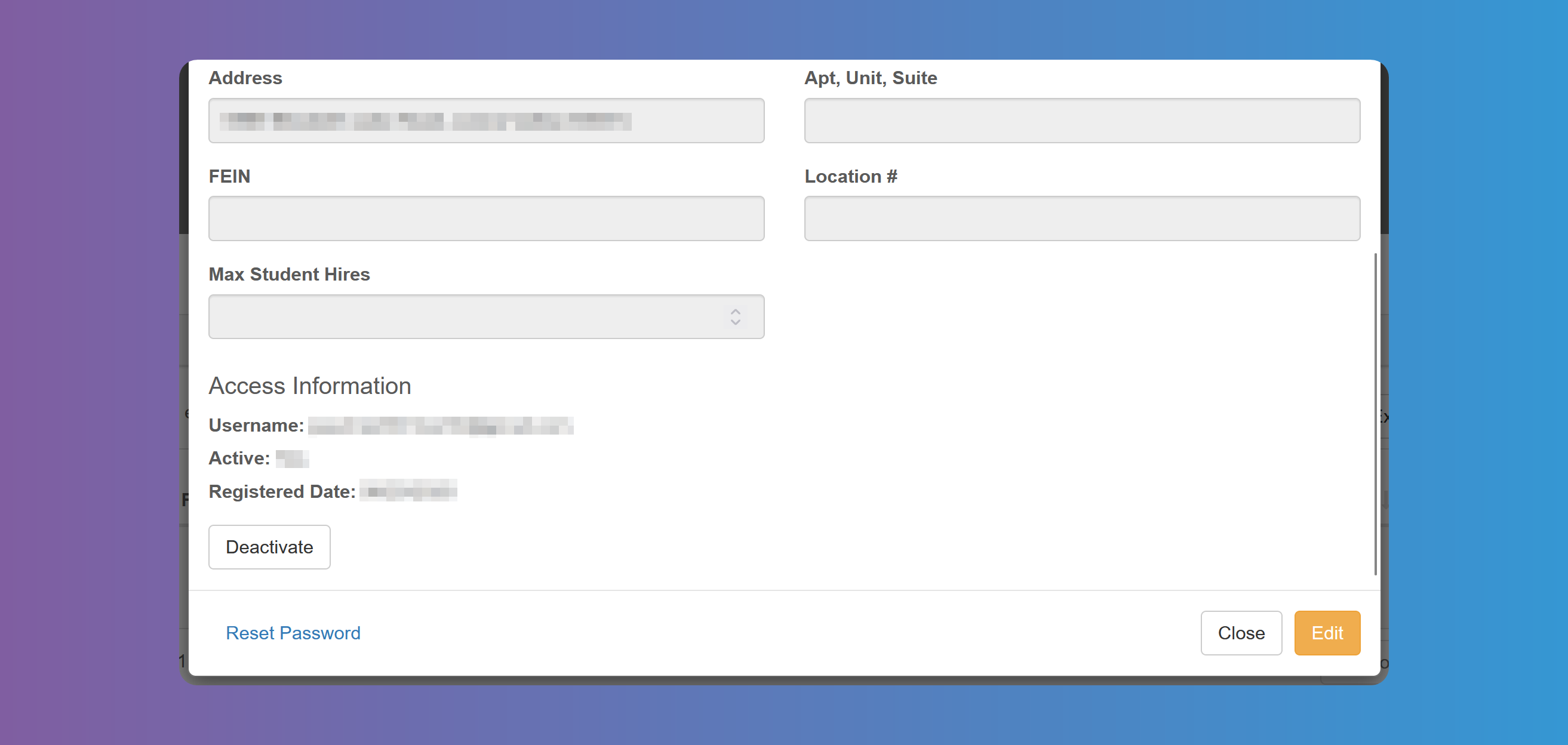
In the first tab you can view and Edit the Internship Provider's details according to the fields you have chosen on System Configuration.
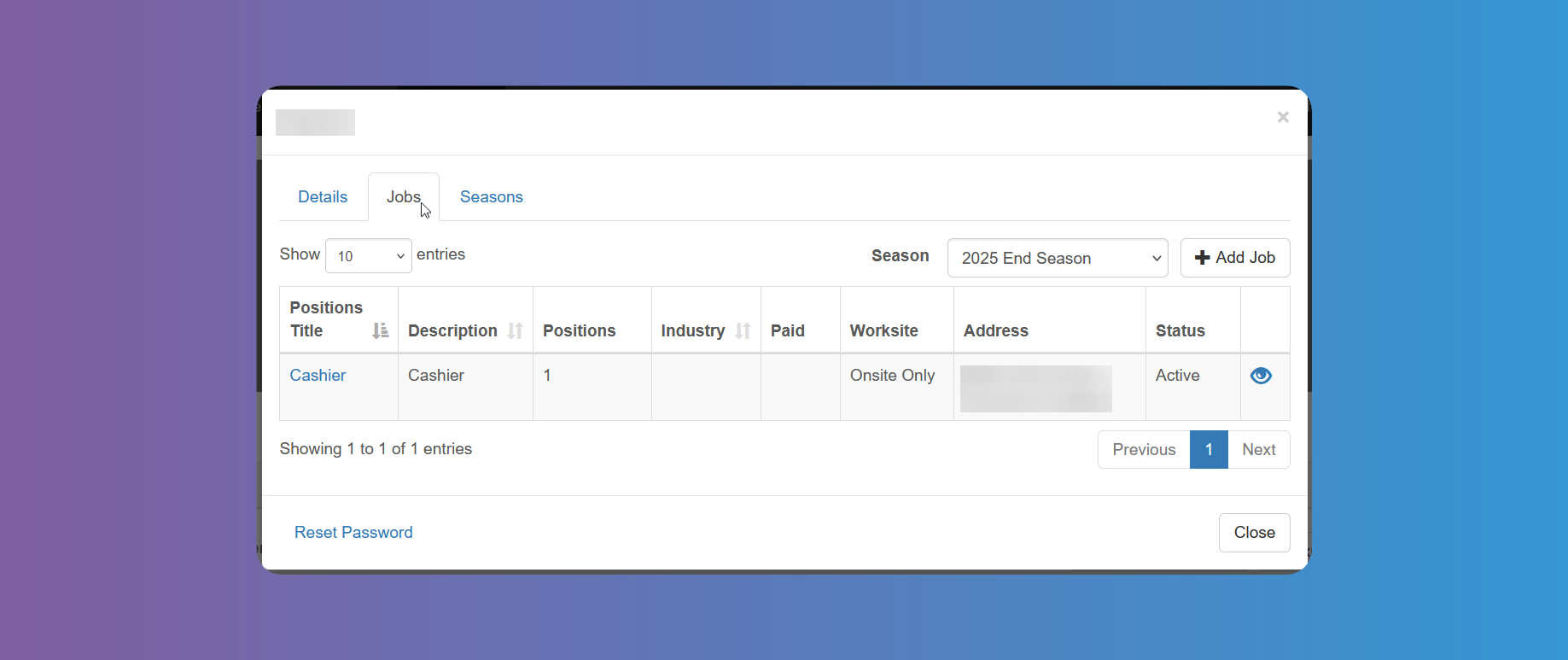
In the Jobs tab you can see a list of Jobs offered by the Internship Provider. Account Admins can add a new Job. Tapping on the Position Title will show you the Job's details, which Account Admins will be able to Edit. The eye icon at the last column will allow Account Admins to hide the Job offer from Students, if needed.
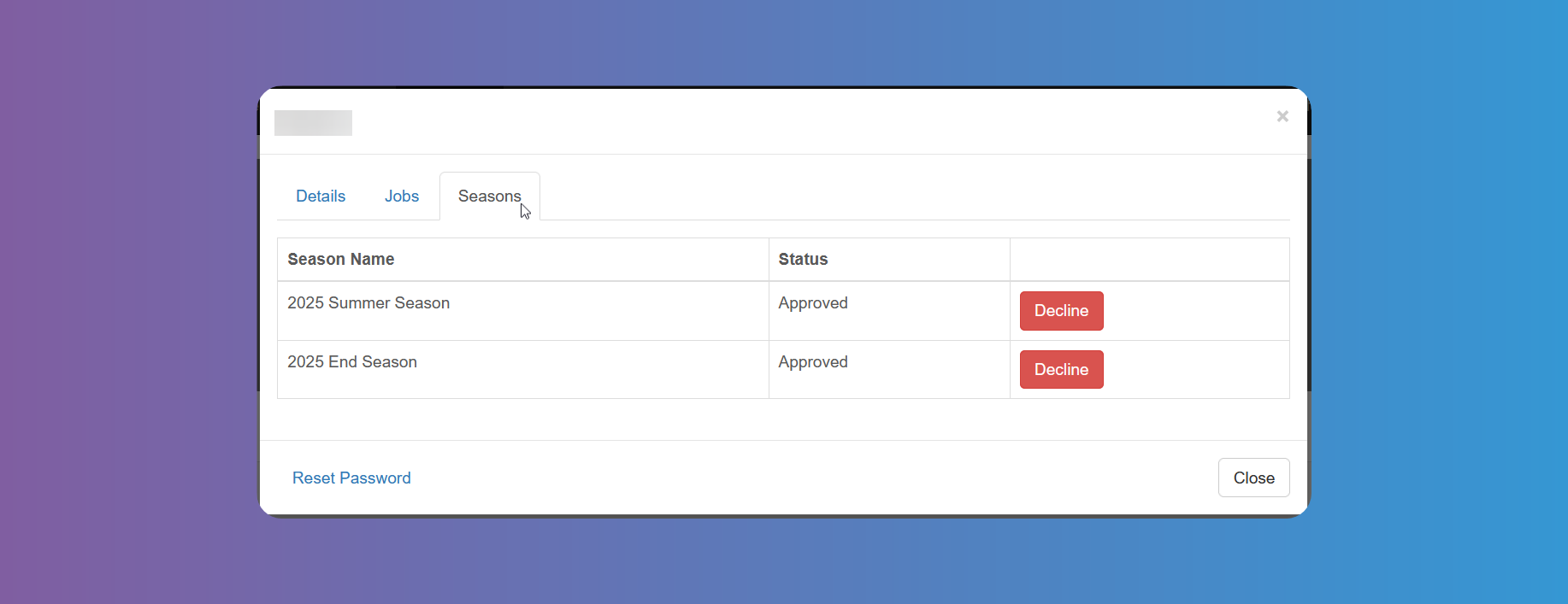
From the Seasons tab you can Approve or Decline the Internship Provider for each active Season.
At the bottom of the window you have the button to Reset Password, if needed.