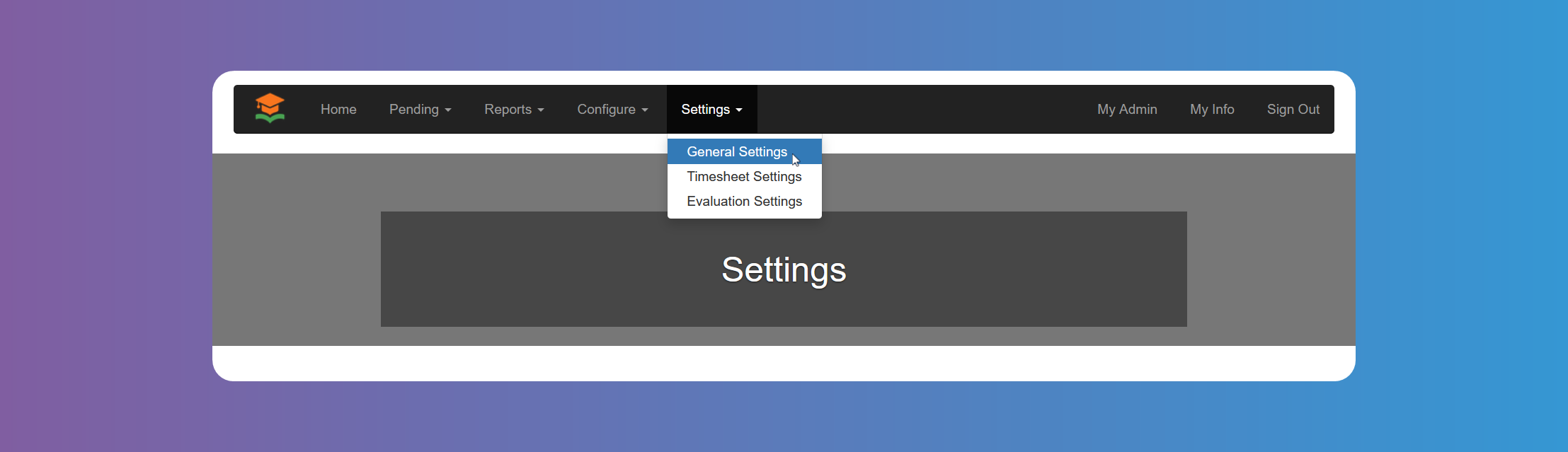
General Settings
Remember to click on Save at the bottom of the screen when you finish each settings item.
Manage your account preferences and customize the platform through General Settings. You can configure fundamental aspects of your GetMyInterns account to suit your needs.
Enable Job Search
You can control whether students can search for internships by enabling or disabling Job Search.
Enable Student Registration
You can control whether students can register. For example, you might want to turn off Student Registration during off season to avoid confusion.
Enable Student Approval
Enable this setting if you want the chosen admin roles to manually approve all Student registrations. Otherwise, Students will be automatically approved after registering.
Enable Clever
You can choose to enable Clever so that Students can register to GetMyInterns using Clever single sing on.
Enable Self Service Job Placements
You can enable Students to accept Job offers directly, without the need of approval. Bear in mind you need to also enable Students on Hire Approval Roles and Hire Rejection Roles
Enable Internship Provider Agreement Signature
You can choose to use Jotforms platform to upload the Agreement and make it available to be signed online by the Internship Provider. When this is enabled and configured correctly, Internship Providers will see the uploaded agreement right after registration. Please note that signature of the agreement is not a requirement to approve an Internship Provider. It is up to the admin users to verify the agreement has been completed.
Block Offers to Already Placed Students
When enabled, it prevents internship providers from offering a job to students already placed in an internship.
Maximum Student Hires per Company
You can choose how many students at most an Internship Provider can hire. Leave it empty if you don't need to limit the number of Studentshired by an Internship Providers.
In case you need to assign a different maximum to a specific Internship Provider, you can do so from the Internship Providers details modal.
Hire Approval Roles
You can choose which admin role is allowed to accept job offers or whether Students can also accept them. For details about these admin users please see System Configuration - Admin Users.
Hire Rejection Roles
You can choose which admin role is allowed to reject job offers or whether Students can also reject them. For details about these admin users please see System Configuration - Admin Users.
Roles Allowed To Approve/Decline Pending Providers
You can choose which role is allowed to Approve or Decline pending Internship Providers. Account Admins, as the super admin, will always have access to do so. For details about these admin users please see System Configuration - Admin Users.
Roles Allowed To Approve/Decline Pending Students
You can choose which role is allowed to Approve or Decline pending Students. Account Admins, as the super admin, will always have access to do so. For details about these admin users please see System Configuration - Admin Users.
Limit Student Email Domains
Clicking on the box will allow you to add domains that Students will not be allowed to use to register to the platform.
Students Placements Threshold
If you want to be informed via email when a number of placed students is reached, you can configure this setting. Please note you can have multiple thresholds. Only Account Admins will be notified.