Reports
Interviews Report
You can get a list of scheduled Interviews by Season, filtering by School and dates.

You can export the list if needed.

Jobs Report
You can get a list of Jobs using the filter.
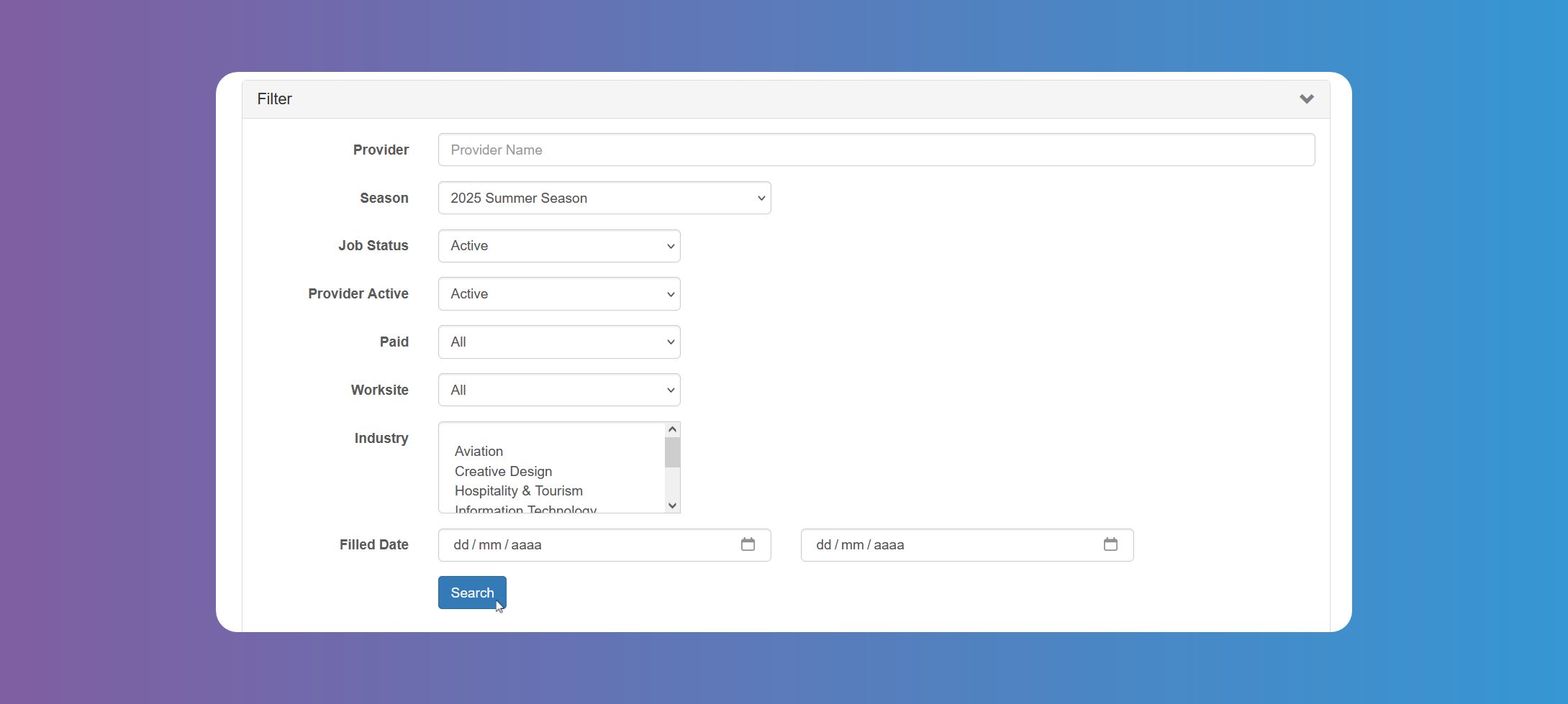
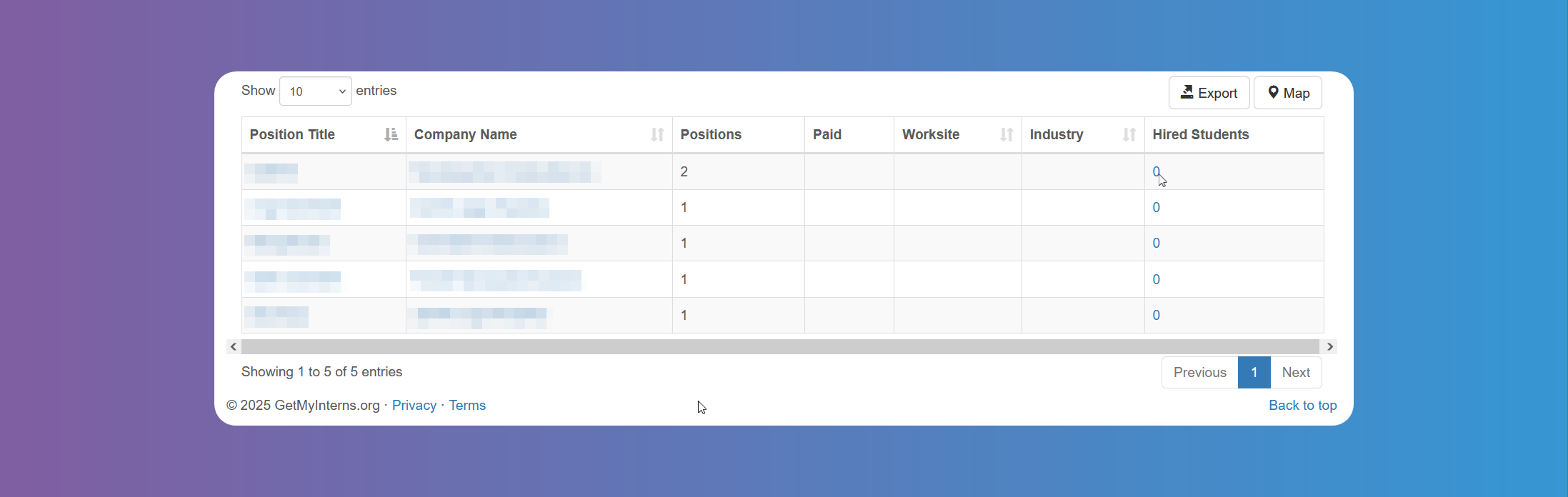
You can export the list if needed. Tapping on the number of Hired Students will show you the list of hired students.
Students Report
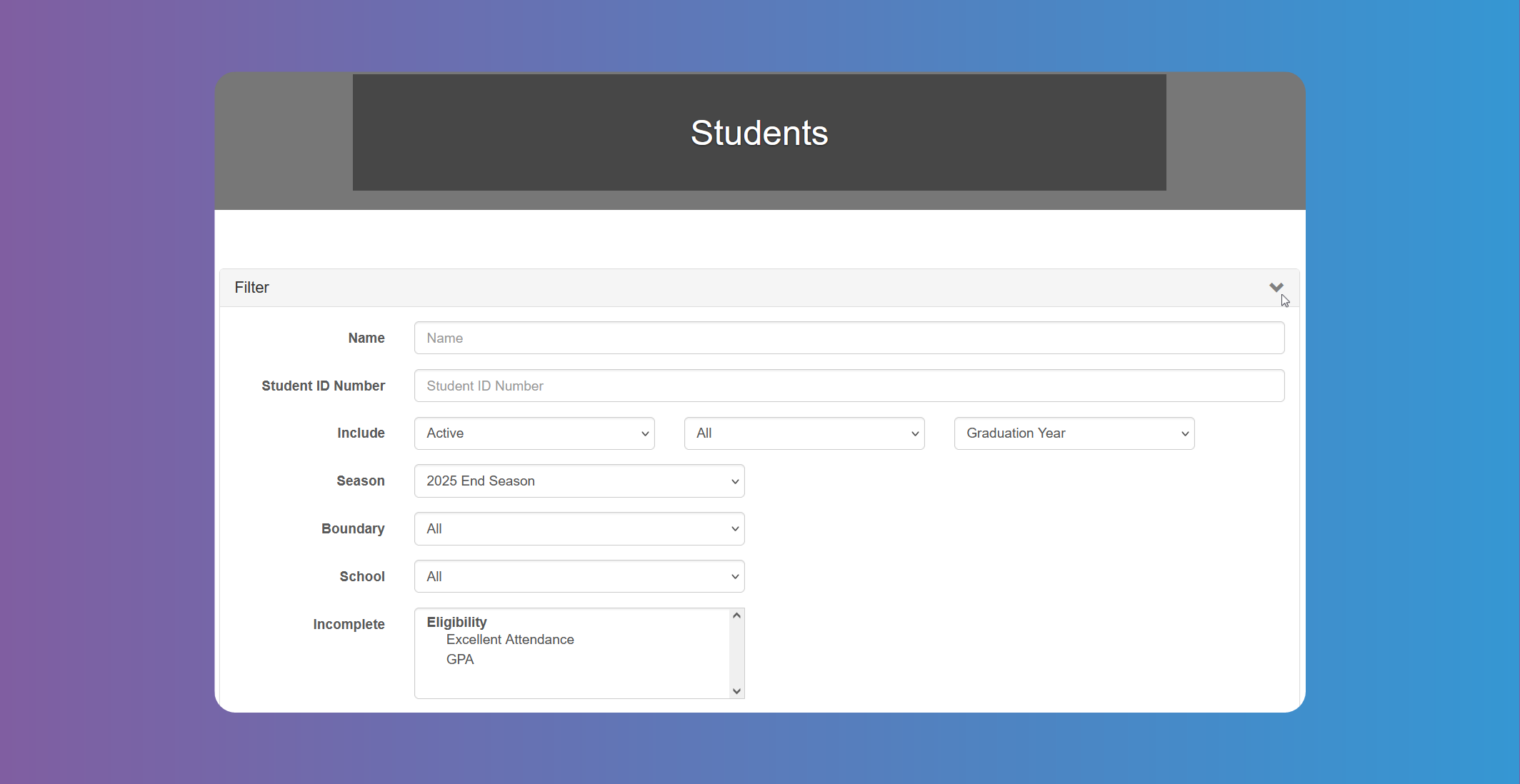
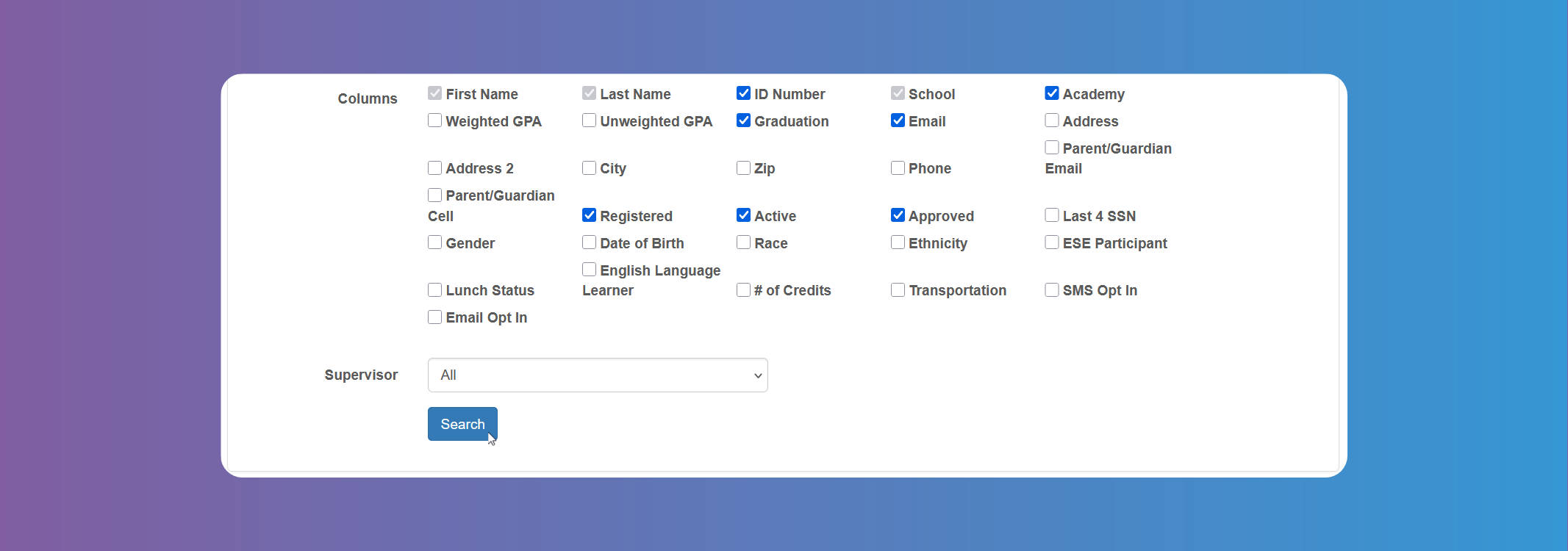
You can get a list of all Students participating in the program. Use the filter to narrow your search results as needed. Choose the columns you want to appear for your list. Account Admins can add a new Student and they will receive an email. You can export the list if needed. Tap on the Map to see location distribution of registered Students.
Internship Providers Report
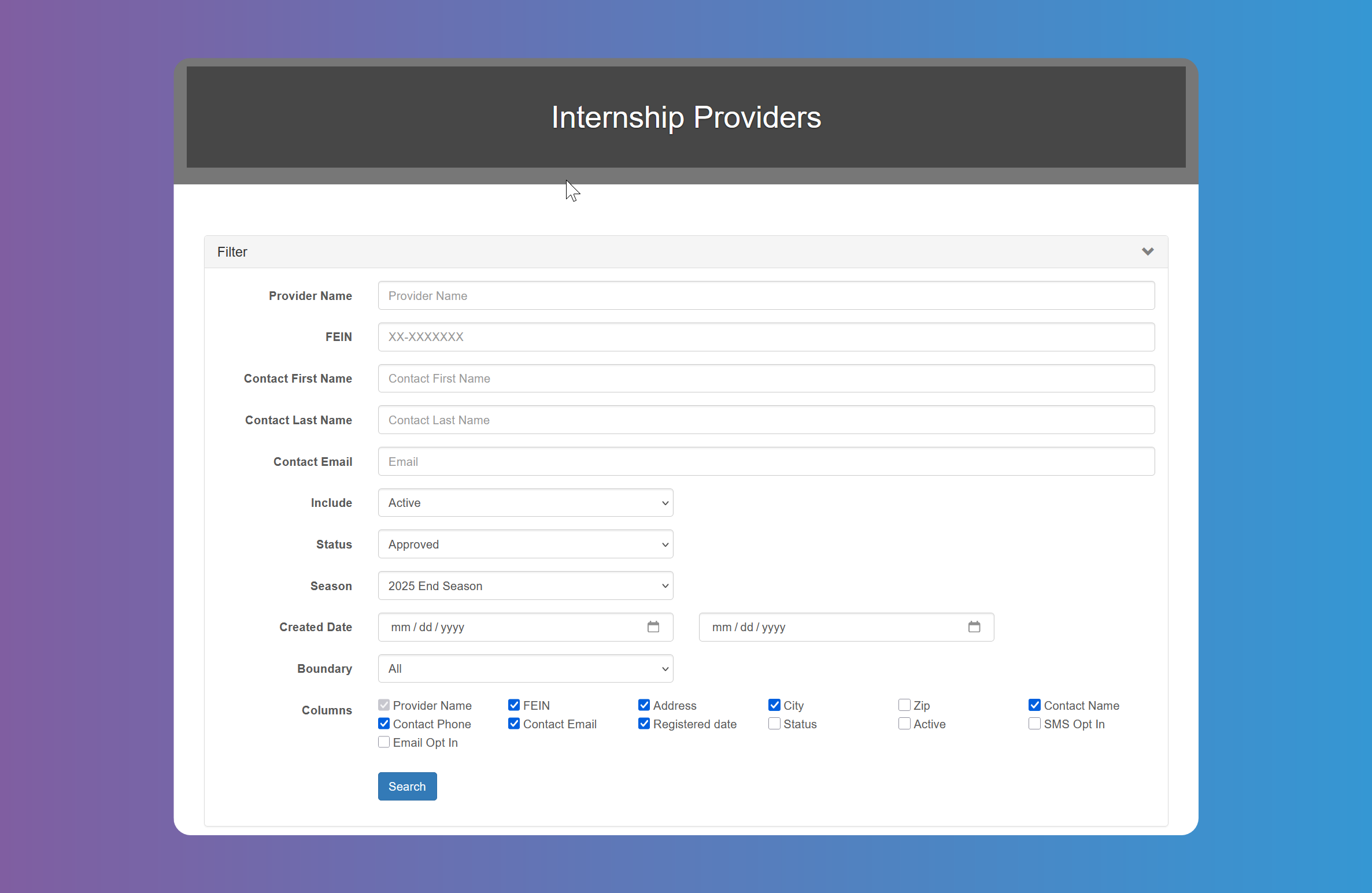
You can get a list of all Internship Providers participating in the program. Use the filter to narrow the search by Seasons or status, among other. Choose the columns you want to appear for your list. Account Admins can add a new Internship Provider and they will receive an email.
You can export the list if needed. Tap on the Map to see location distribution of registered Internship Providers.
Students Placed Report
You can get a list of placed Students. These are all the students that have an approved/accepted internship. Use the many filter fields to narrow the search and choose the columns you want to appear for your list.
You can export the list if needed. Tap on the Map to see location distribution of placed Students.
You can access the Students and Internship Providers details by tapping on their names.
Tapping on the Edit button will allow Account Admins to edit the Internship's details, Terminate or Withdraw the internship.
You can also batch assign supervisors by checking multiple students and clicking on the Assign Supervisor button. This will assign the student the chosen supervisor, which will give that Admin user access to the Student as well as the ability to filter all their students they are assigned to.
You can also assign a workplace supervisor from here if needed according to the Timesheet Settings (see warning box in Timesheets).
Pending Hires Report
This report allows you to see a list of Students that were offered an Internship, but were not accepted/approved yet. Choose the Season in the filter to get a list of pending hires. You can export the list if needed. You can Approve or Decline the hire on behalf of the Student. The Student and Internship Provider will receive an email stating the Internship has been approved or rejected.
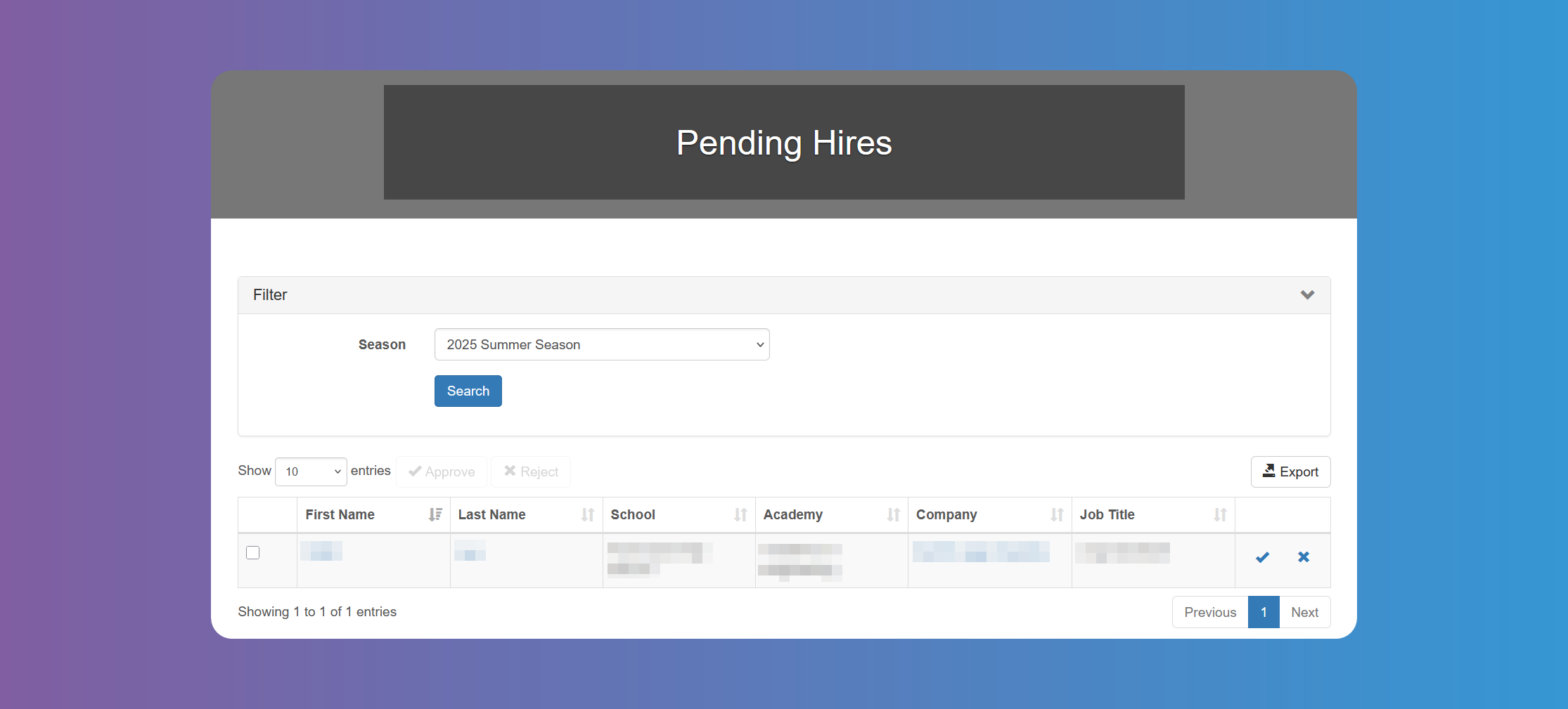
You can access the Students and Internship Providers details by tapping on their names (see Students Details Modal and Internship Provider Details Modal for ore details).
Student Timesheets Report
This report shows all the Timesheets in the system. You can use the many filter fields to search and view Students Timesheets, as long as you have chosen to Enable them from the Timesheets Settings.
You can export or print details report if needed.
Payroll Report
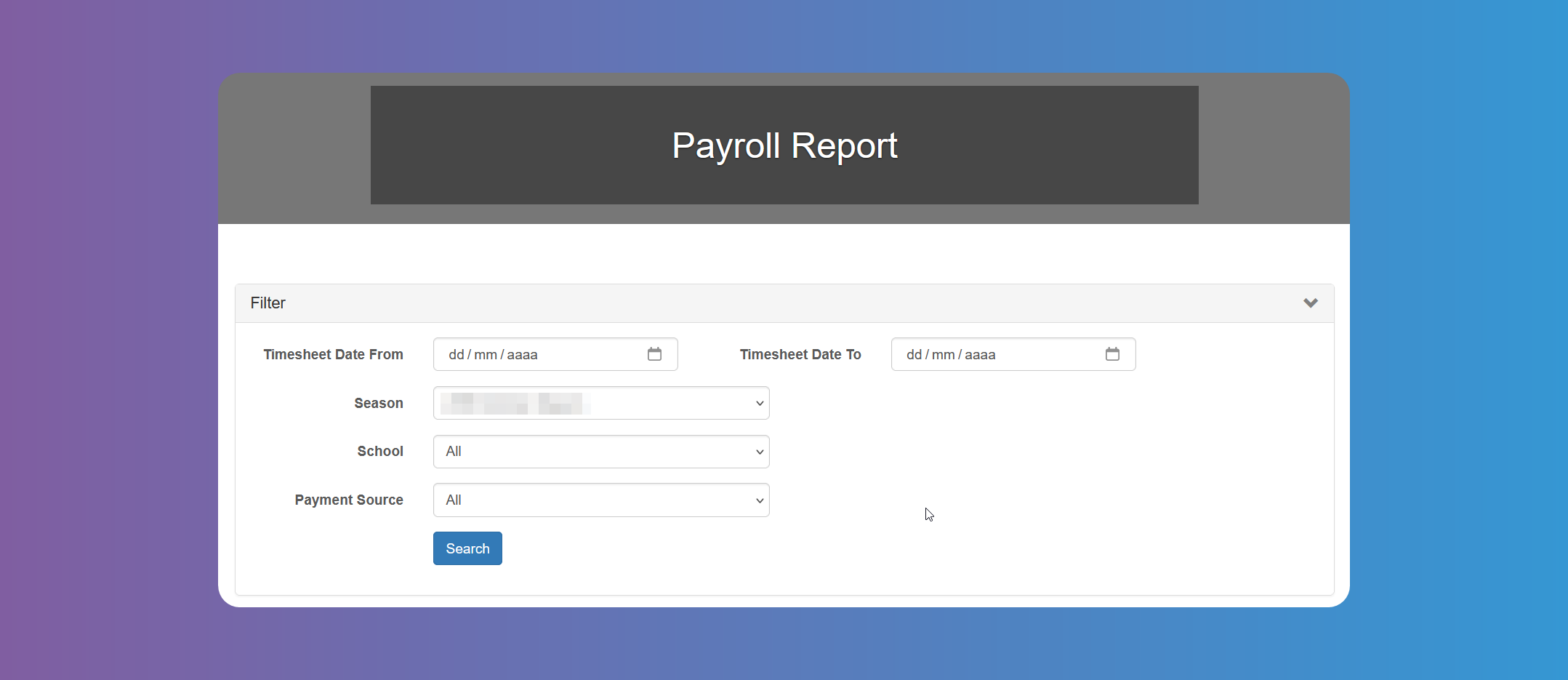
This report will allow you to export a Payroll Report by calculating the total hours worked per Student and Timesheet given the selected filter criteria. You can export the report as needed to be imported into any other payroll system. This report is dependant of Timesheets Settings.
Student Evaluations Report
This report will allow you to view all the evaluations by Student and period. It will allow you to view missing evaluations as well as completed ones. Use the filters to narrow the search. You can export the list, print or export details report, if needed.