Finding and Managing Internships
In order to apply for internships your school/district might need to approve you first after registering.
How to Search and Apply for Internships
You can search for internships of your interest by clicking on Internships - Find Internships within the menu.

You can fill in your location and the radius within which to search, the Industry you are interested in and you can even use a keyword to search. You can also search for a specific Internship Providers if you already know which one you are interested in.
You will see a list of Job offers and a map pinpointing their locations.
Simply click on Apply to the right of the offer you are interested in. The Internship Provider will receive your application.
Tracking Your Internship Applications and Status
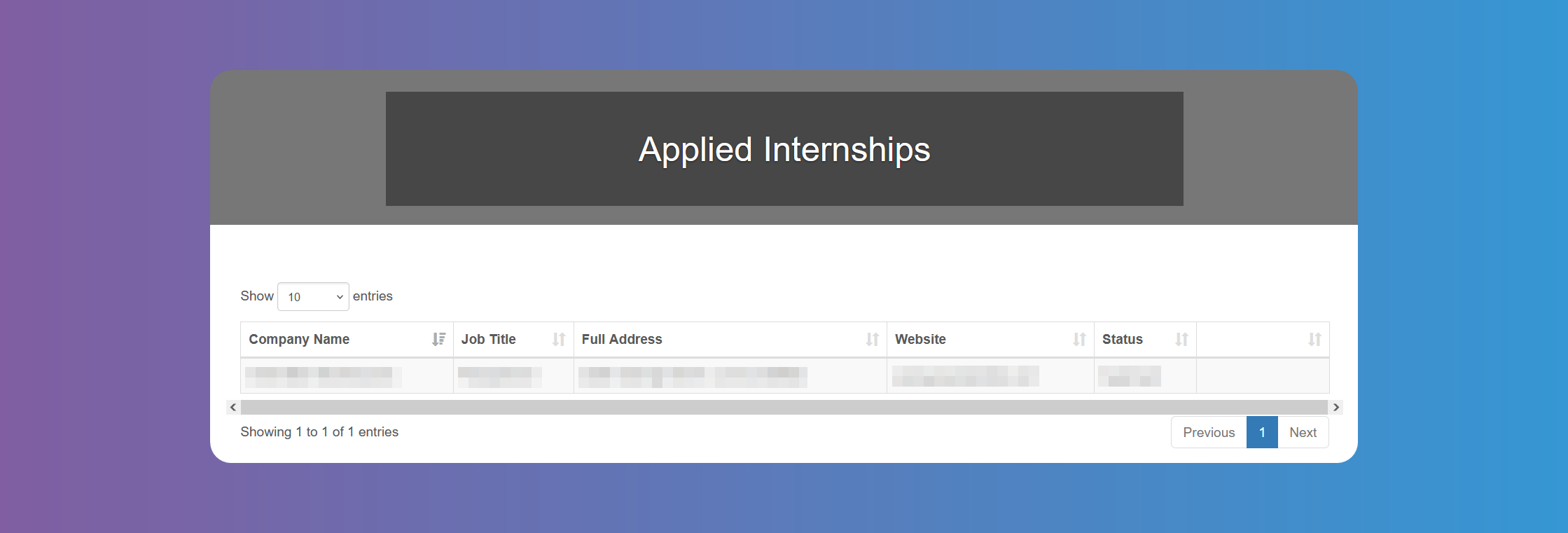
Click on Internships - Applied Internships to get a list of Internships you have already applied to, and their status.
How to Accept or Decline Internship Offers
Click on My Offers to see a list of Job offers made by Internship Providers to you.
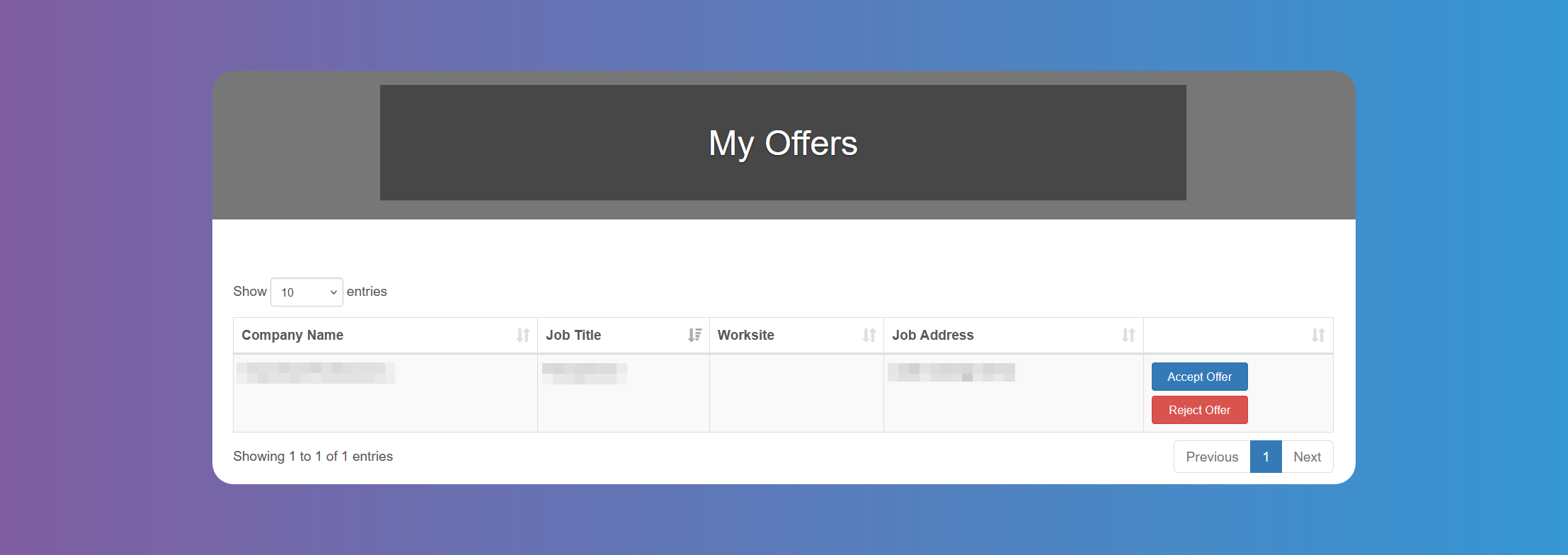
Just click on the respective button to Accept Offer or Reject Offer.
If the Accept Offer and Reject Offer buttons are not clickable, please contact your internship coordinator to let them know you are interested in that specific offer. If this is the case, you will receive an email when the offer has been approved or rejected.
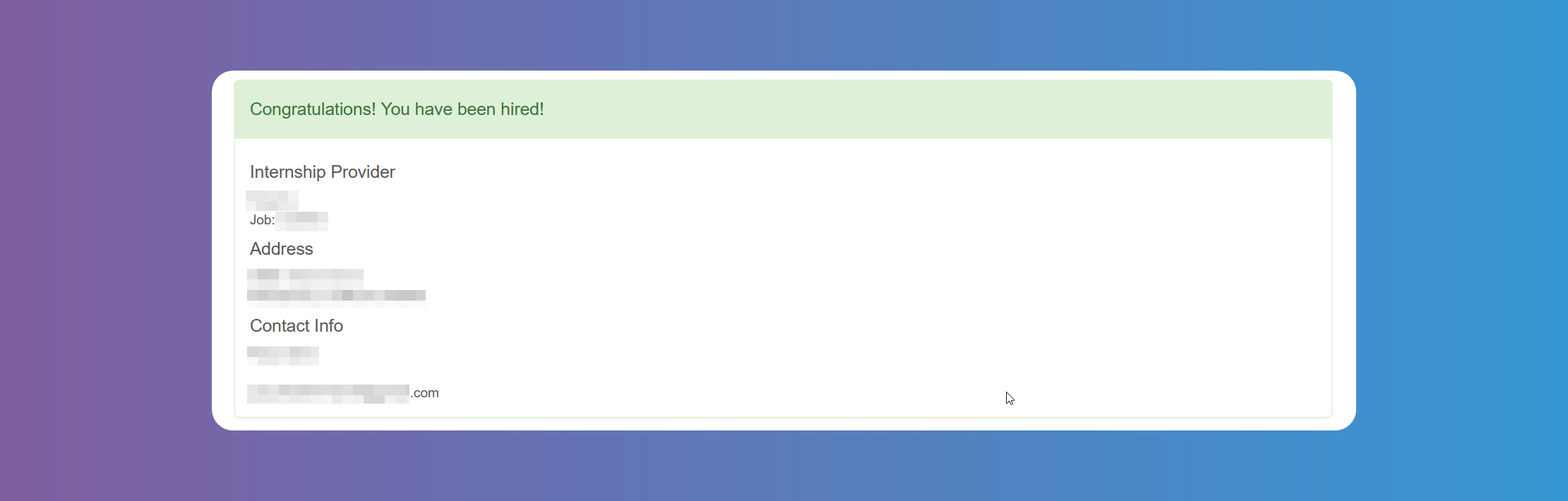
If the offer is approved, you will see this screen when signing in to your account.
When you accept an offer you will receive an email letting you know all pending Interviews have been cancelled, and the corresponding Internship Providers will also be notified as well as when you reject an offer.